2.8" Car Coaster Canva & SVG Templates: Beyond the Cup Holder
It’s a familiar scenario: you’ve just designed a beautiful logo or a catchy tagline for a small business, but where does it live? On a business card? A website header? While those are standard, the most memorable brands find their way into the everyday lives of their audience. Enter the humble car coaster, a small, functional canvas with surprising potential. The 2.8" Car Coaster Canva & SVG Templates offer a direct path to transforming this overlooked item into a powerful piece of brand identity or a personalized gift.
A Blank Slate for Practical Creativity
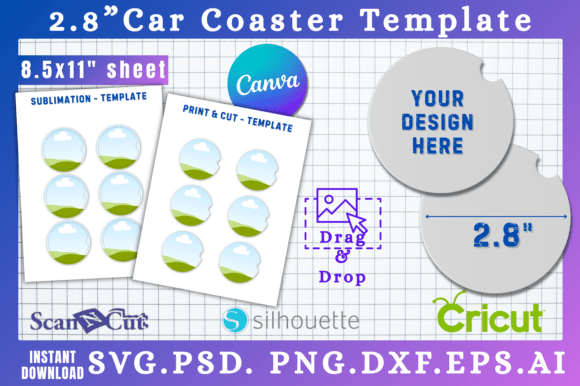
Unlike a complex font family or a heavy software suite, this template is refreshingly straightforward. Its visual character is defined by its purpose: a clean, 2.8-inch circle. There’s no inherent style—no serifs or swashes to contend with. This neutrality is its greatest strength. It acts as a true blank canvas, absorbing the personality you inject through your design. The appeal lies in its simplicity and the tangible, useful outcome it produces. You’re not just creating a graphic; you’re crafting a physical object that someone will use and see daily.
Where does this template shine? Its applications are broader than you might first consider. For a small business owner, it’s a low-cost, high-impact promotional item. Imagine a local coffee shop creating coasters with their logo and a witty coffee pun—functional marketing that sits right in a customer’s car. For a graphic designer, it’s a unique deliverable for client branding projects, adding a physical touchpoint to a digital identity. Bloggers and content creators can use it to produce branded merchandise for their community, turning followers into advocates with a useful piece of swag.
Design Dynamics: Influence on Brand and Usability
Working within a circular format demands a different approach to visual hierarchy and readability. A long, horizontal tagline won’t work. Instead, you learn to design in the round, using centered layouts, arched text, or icon-focused compositions. This constraint can actually strengthen your design skills, forcing you to prioritize the core message. The 2.8" Car Coaster Canva & SVG Templates encourage this focused thinking.
The choice of typeface here is critical for legibility at a small scale. A bold sans serif font often works best for primary text, ensuring the brand name or slogan is immediately readable. You might pair it with a delicate script font or a handwritten font for a secondary element, adding a touch of personality without sacrificing clarity. This is where understanding font pairing becomes practical. You’re not just making something look good on screen; you’re ensuring it communicates effectively when printed on absorbent cork or ceramic, likely viewed from a distance of just a few feet.
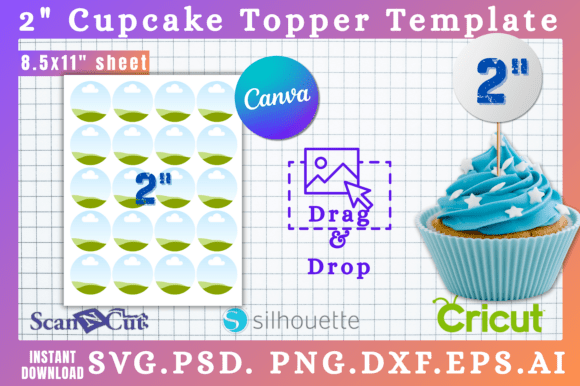
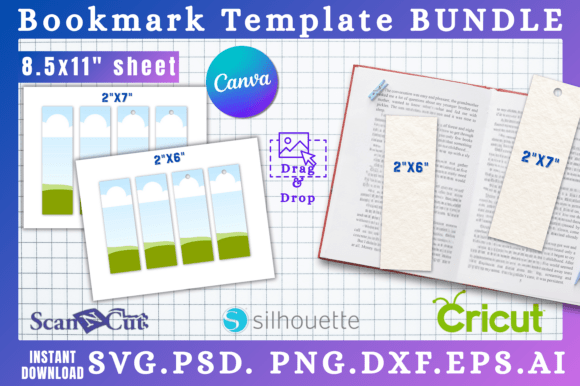
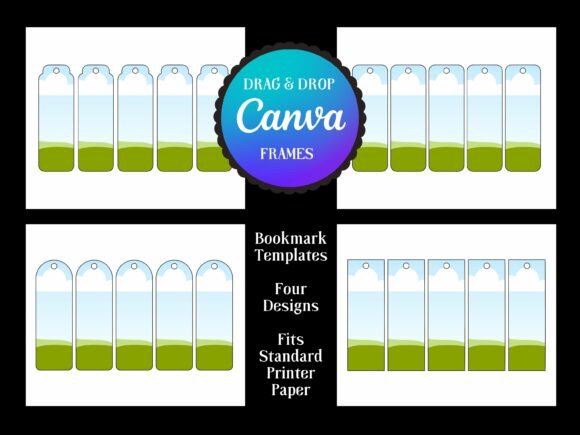
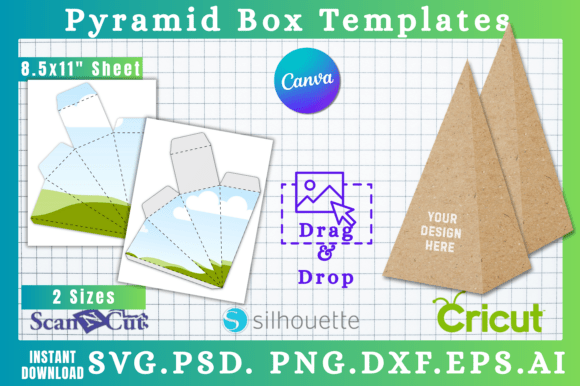
The template’s provided formats are a toolkit for real-world production. The SVG file is essential for crafters using a Cricut or Silhouette machine, allowing for precise cuts. The Canva link is a game-changer for entrepreneurs who want to drag-and-drop their existing brand assets without learning new software. The PSD file gives Photoshop pros layered control. This multi-format approach ensures the design asset integrates seamlessly into your existing workflow, whether your goal is logo design extension, packaging design for a product line, or creating consistent social media graphics that tie back to a physical item.
Making It Work: Practical Implementation
Before you dive in, consider the end use. Will the coaster be made from cork, which absorbs ink and softens colors, or from a coated ceramic? This affects your color palette. Bright, high-contrast designs tend to hold up best. Test your design at actual size on your screen—does the key information remain legible? If you’re using a premium font or a creative font with intricate details, simplify it or use it only for a monogram or icon.
Evaluate the template’s fit for your project by thinking about your audience. A coaster for a mechanic’s shop will have a different visual language than one for a yoga studio. The template’s neutrality allows both. Use the included file formats to your advantage. Start in Canva for a quick mockup, then move the SVG into your cutting software for production. Always review the commercial license if you plan to sell the finished coasters—it’s a standard step when using any design assets for commercial gain.
Ultimately, the 2.8" Car Coaster Canva & SVG Templates are more than just a digital file. They are a bridge between digital design and physical product, a tool for building brand recognition in the most literal sense. They offer a practical, accessible way to extend a brand’s touchpoints, create personalized gifts, or develop a new product line. In a world saturated with digital noise, there’s something profoundly effective about placing a well-designed, useful object directly into someone’s hands—and their cup holder.